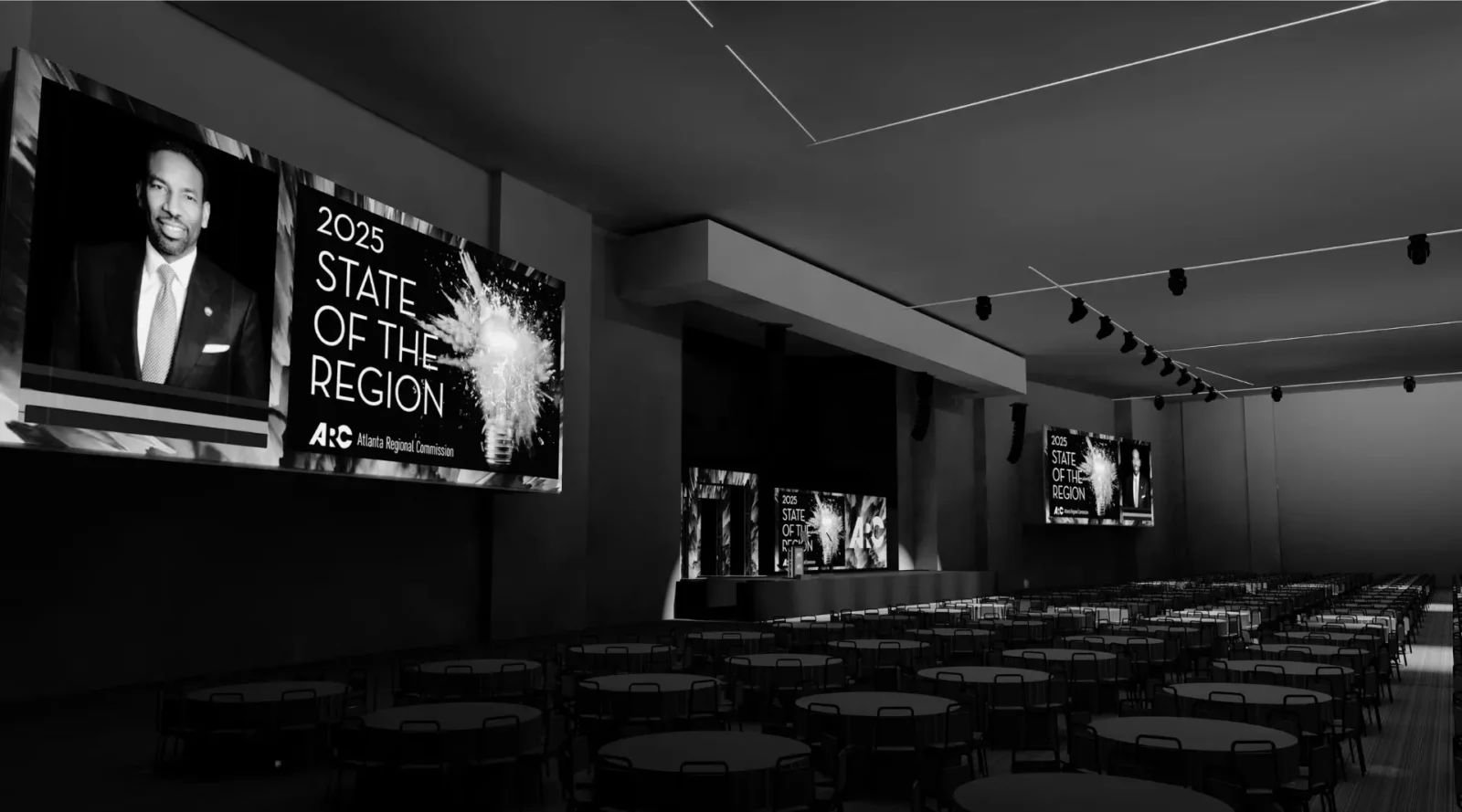
Event production is often evaluated by what happens in the room, but the outcome is determined well before attendees arrive.
Behind every well-structured general session, conference, or meeting environment is a planning process that translates ideas into executable decisions. One of the most important tools in that process is the CAD drawing.
For event planners, understanding how CAD drawings function is not just a technical detail. It is a practical advantage that improves communication, reduces risk, and leads to more predictable outcomes.


What a CAD Drawing Represents in Event Production
A CAD drawing, or computer-aided design drawing, is a scaled layout of an event space that reflects how the environment will be built.
In event production, it serves as a shared reference across planning, technical design, and on-site execution. It replaces assumptions with defined structure.
A typical event CAD drawing may include:
- Stage size, placement, and elevation
- Screen locations and dimensions
- Seating layouts and capacity
- Lighting positions and rigging structures
- Audio system coverage zones
- Power distribution and cable routing
Rather than existing as a static diagram, the drawing becomes the working blueprint for how the event is physically constructed.

Why CAD Drawings Matter for Event Planners
Clarity Before Decisions Are Locked
CAD drawings allow planners to visualize the full environment before final decisions are made. This is especially important when balancing program goals with room constraints.
A keynote session, panel discussion, and breakout room all require different spatial priorities. Seeing these layouts early allows for better alignment between intent and execution.
This is especially important when balancing program goals with room constraints, particularly when translating ideas into defined layouts that can be clearly understood before execution.
For a deeper look at our recent productions, please visit our Productions Portfolio.

Reducing On-Site Adjustments
Many of the challenges that arise during setup can be traced back to decisions that were not fully visualized in advance.
CAD drawings help identify issues early, including:
- Obstructed sightlines from certain seating sections
- Stage dimensions that do not support the program format
- Conflicts with venue rigging points or ceiling height
- Insufficient space for camera or production positions
Resolving these during planning is significantly more efficient than adjusting on-site under time constraints.

Aligning Multiple Stakeholders
Event planners often coordinate across venues, decorators, sponsors, and internal teams. Each group may interpret a layout differently without a shared reference.
A CAD drawing creates alignment by providing a consistent, scaled view of the space. It allows all stakeholders to work from the same plan, reducing miscommunication and overlap.


When CAD Drawings Should Be Developed
Early Concept Phase
CAD drawings are most valuable when introduced early. At this stage, they help explore layout options rather than finalize details.
This may include comparing:
- Seating configurations such as theater or classroom
- Screen strategies including single or dual display
- Stage positioning within the room
These early iterations support better decision-making before commitments are made.
Want to learn more about early-stage production planning? Also read, Why Early Production Planning Matters for Conference Staging and AV.

Pre-Production and Finalization
As the event plan becomes more defined, the CAD drawing evolves into a detailed technical document.
At this stage, it incorporates:
- Final equipment selections
- Accurate dimensions and spacing
- Confirmed rigging and power requirements
This version becomes the primary reference for the production team and venue.
On-Site Execution
During load-in and setup, the CAD drawing guides the physical build. Crews rely on it to position elements accurately and maintain consistency with the approved design.
Without this level of detail, setup becomes reactive rather than structured.
How CAD Drawings Influence the Attendee Experience
Sightlines and Visibility
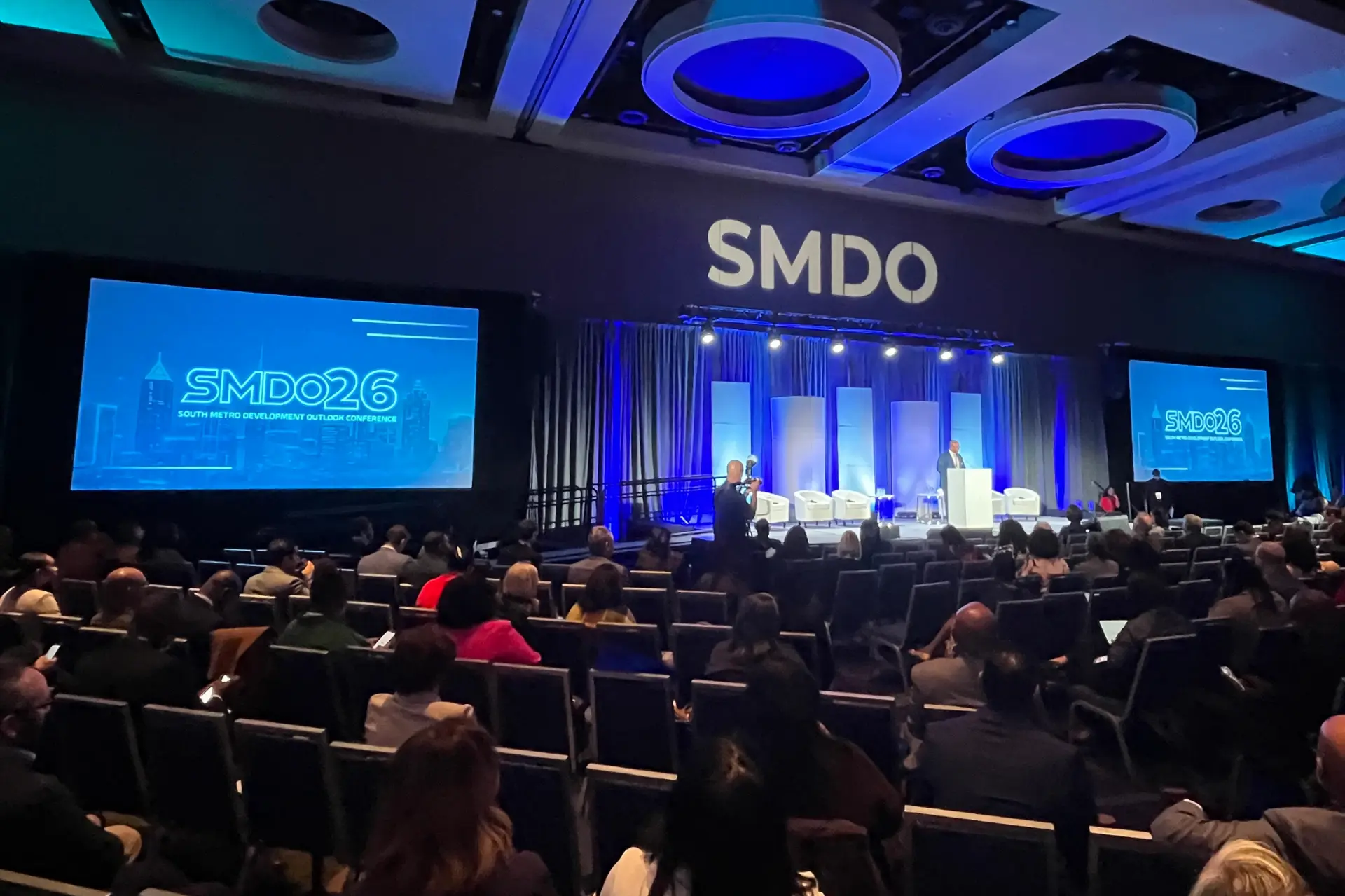
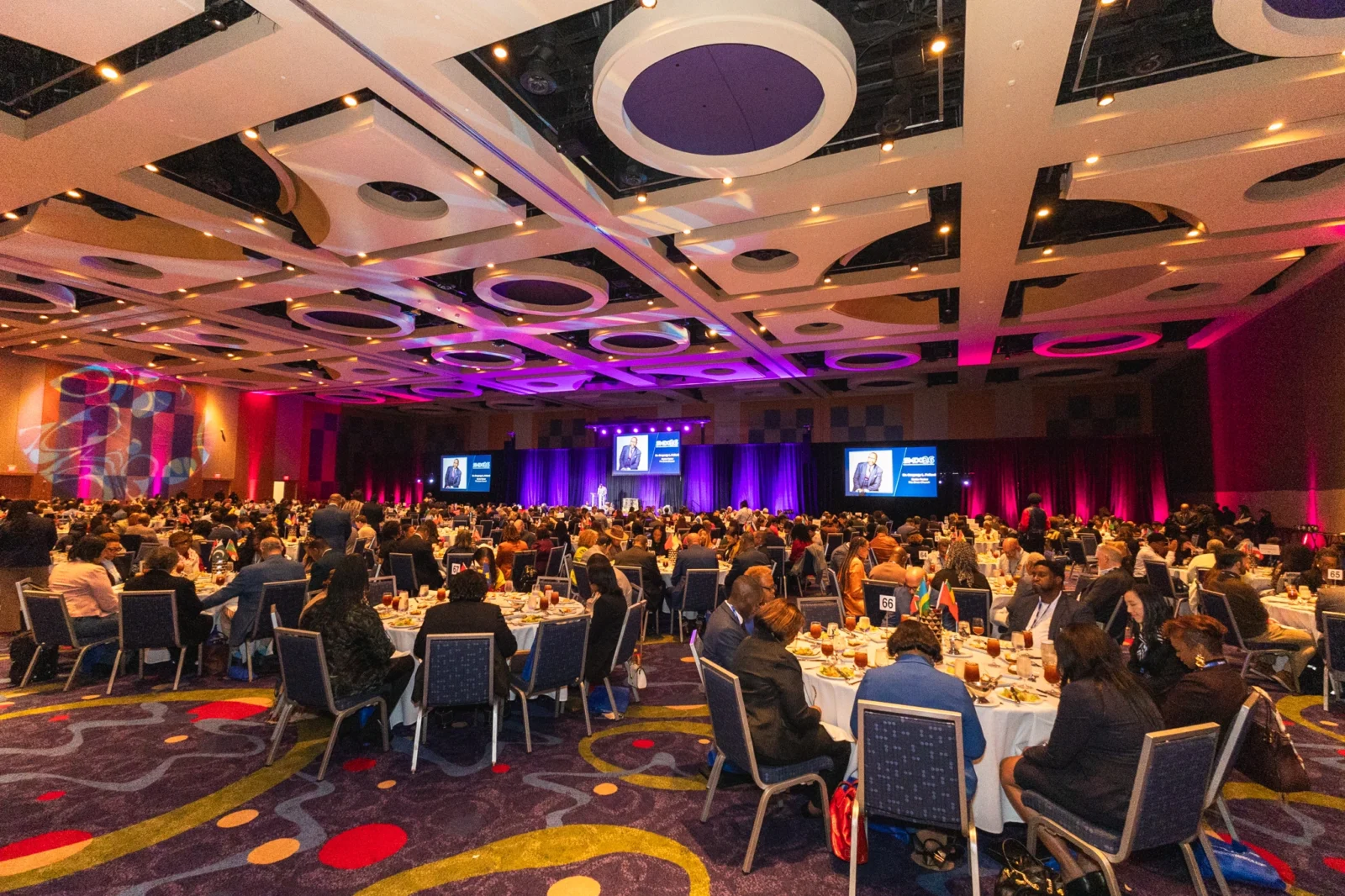
Screen placement and stage elevation determine whether attendees can clearly see content from all areas of the room. CAD drawings allow these factors to be evaluated in advance, ensuring that visibility is not limited to select sections.
Audio Coverage
Audio systems are designed to provide even coverage across the space. CAD drawings help define speaker placement and coverage zones to avoid areas that are too loud or too quiet.
Visual Cohesion
Lighting positions, scenic elements, and screen alignment contribute to the overall look and feel of the environment.
When these elements are planned within a CAD drawing, the result is a cohesive visual experience rather than a collection of independent components.


What to Expect from a Structured CAD Process
For planners, it is helpful to understand how production teams typically approach CAD development.
A structured process often includes:
- Reviewing venue floorplans and constraints
- Conducting site visits or walkthroughs
- Developing initial layout concepts
- Iterating based on planner feedback
- Finalizing a detailed, build-ready drawing
The goal is not simply to produce a diagram, but to create a plan that can be executed with consistency.
Want read more about multi-room planning with CAD drawings? Also read, South Metro Development Outlook Event Production at GICC.
How Innovent Approaches CAD Drawings
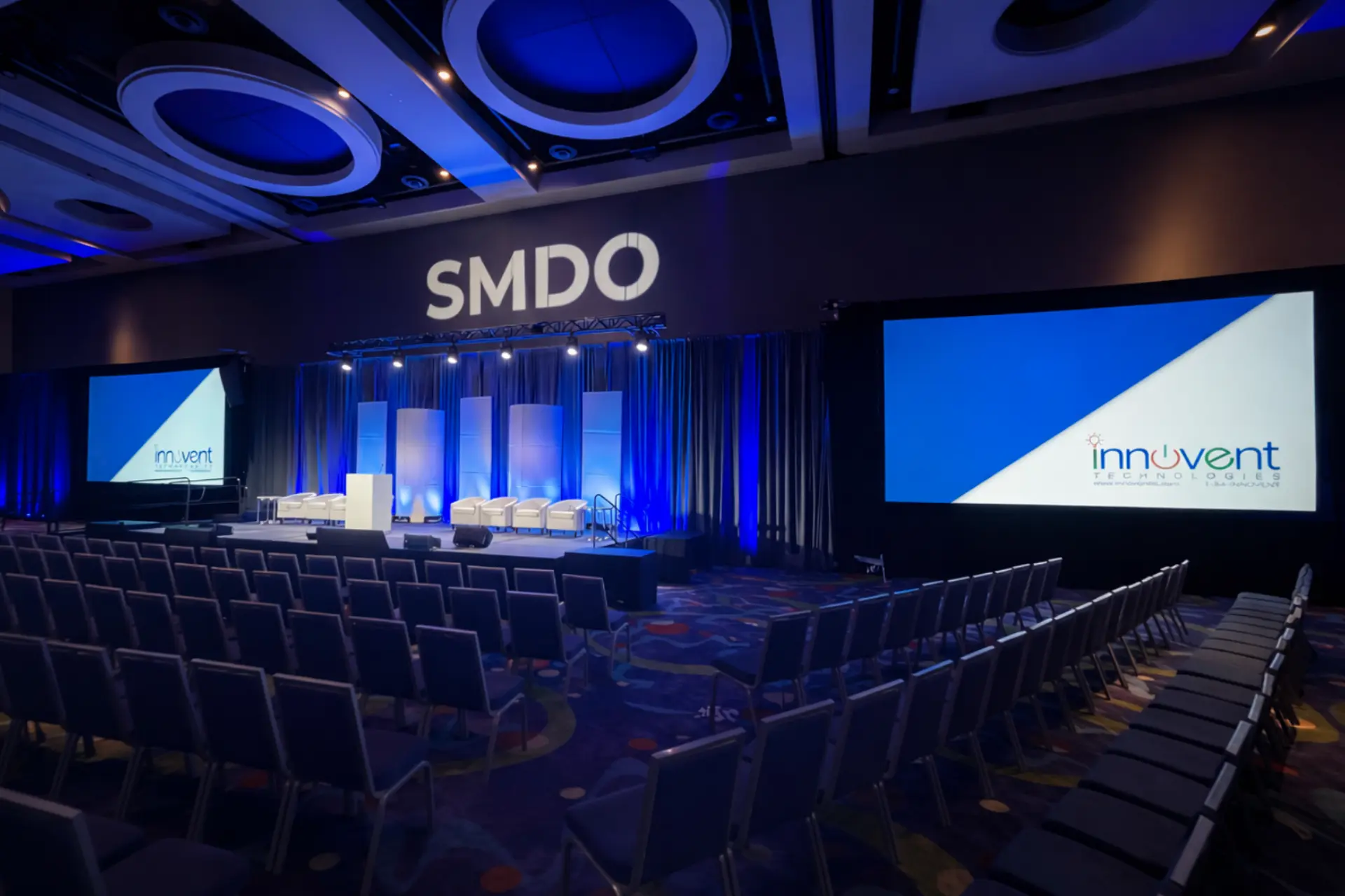
At Innovent Technologies, CAD drawings are integrated early in the planning process to support clarity and coordination.
The approach focuses on:
- Translating program goals into spatial layouts
- Building scaled drawings that reflect real-world conditions
- Coordinating with venues and partners to confirm feasibility
- Refining the design through collaborative review
This allows potential challenges to be identified early and addressed before they impact the event timeline.
CAD drawings bring structure to event production planning by turning ideas into defined, executable layouts. For event planners, they provide clarity, reduce uncertainty, and support better collaboration across teams. For production teams, they serve as the foundation for building environments that meet both technical requirements and program goals. When introduced early and developed thoughtfully, CAD drawings allow events to be executed with consistency and confidence.